Download 8K Videos from 1,000+ Websites
Download videos, audio, thumbnails, and subtitles from YouTube, TikTok, Instagram, Twitch, Facebook, X, and over 1,000 other popular websites in just one click. Simple, secure, and built for the best downloading experience.
Loved by 450,000+ users worldwide
100% Virus-free
Rated 4.8 on Trustpilot
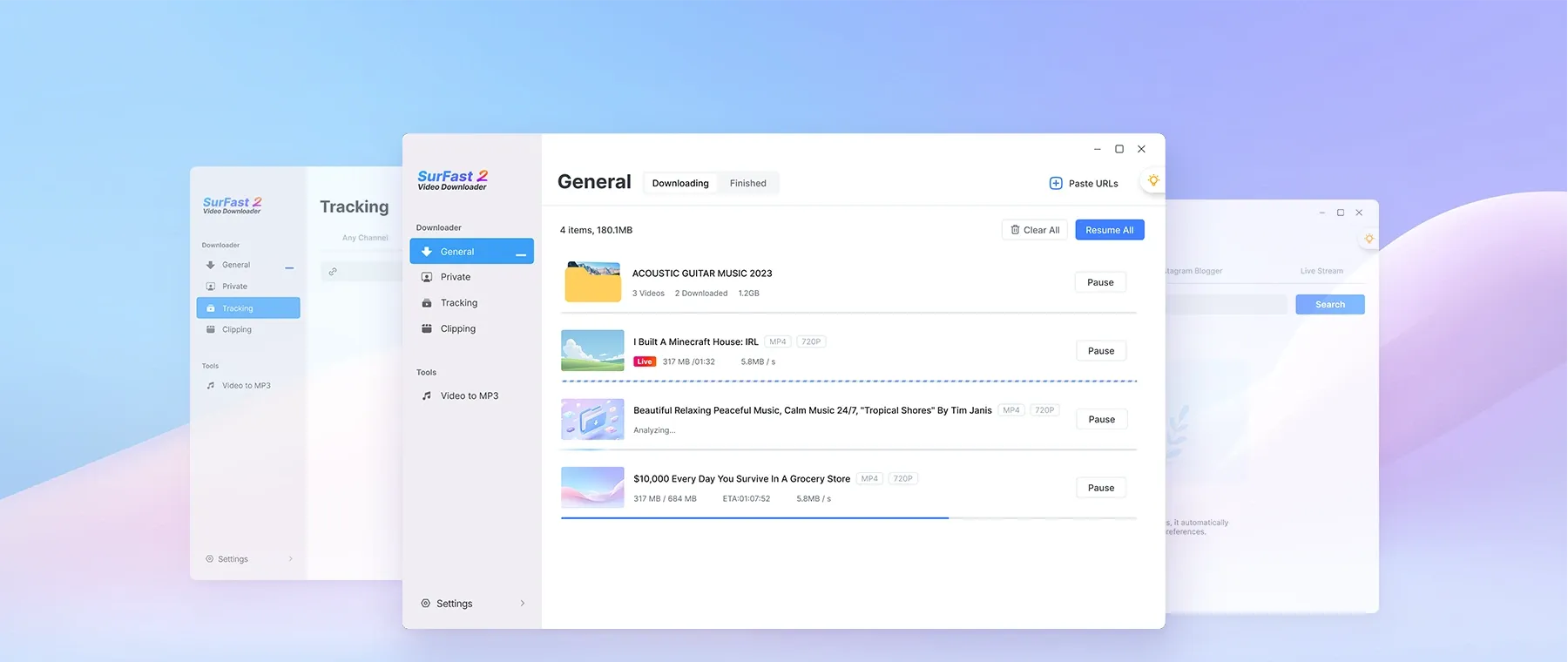
Download Online Videos from 1,000 Sites
SurFast Video Downloader lets you download videos from over 1,000 popular websites, including major video platforms like YouTube and TikTok, social networks like Facebook and X, as well as music sites like SoundCloud and Bandcamp. You can explore the full list of supported websites for more details.
YouTube Video Downloader
TikTok Video Downloader
Facebook Video Downloader
X Video Downloader
Instagram Downloader
SoundCloud Downloader
Save Videos in Multiple Resolutions and Formats
SurFast Video Downloader gives you full control over video quality and file formats. As a powerful video downloader, it supports up to 8K resolution, as well as 4K, 1080p, 720p, 480p and lower.
Supported Quality Levels
- Video: From 144p up to 8K (if available)
- Audio: 128 kbps, 256 kbps, or 320 kbps
Choose Any Format That Works Best for You
- Video: MP4, WebM, MOV, FLV, AVI, MKV, GIF
- Audio: MP3, WAV, M4A, AAC, ALAC, FLAC, OGG, OPUS
- Subtitles: SRT, VTT, LRC, ASS
It also offers more than 15 popular output formats... Whether you want to keep the original high-resolution video, convert it to a smaller size, or extract only the audio, SurFast Video Downloader makes it simple and flexible.
Trim and Download Video Clips with No Limits
SurFast Video Downloader lets you trim and download video clips of any length from over 1,000 websites with no restrictions. Just select the exact start and end points on videos from YouTube, TikTok, Instagram, Twitch, Facebook, X and many other platforms, and download only the part you need.
It also supports smart chapter detection, automatically splitting long videos into individual files. Perfect for creating custom clips, saving highlights, or organizing content with precision.

Grab Playlists & Channels in One-Click
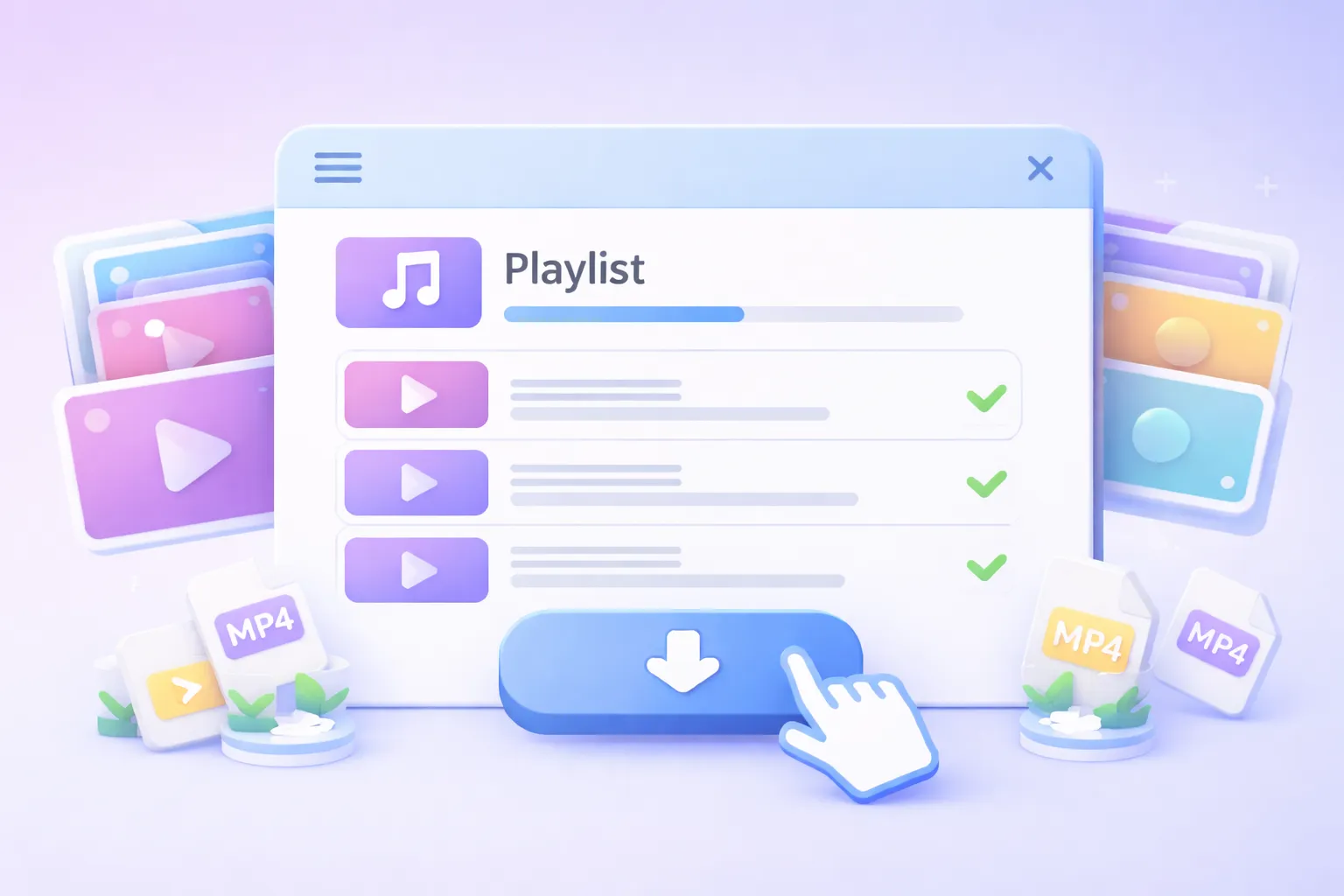
Save entire playlists, channels, or dozens of videos from multiple sites, all with a single click using SurFast Video Downloader.
Want to download a full YouTube playlist, every video from a TikTok profile, or a batch of links from different platforms? Just paste them all at once, and SurFast Video Downloader will automatically fetch everything for offline viewing.
Download Videos Right from Your Browser
To help you download videos from the internet more efficiently, we also offer a Chrome extension: SurFast Video Downloader Helper. Once installed, simply right-click on any video, audio, thumbnail, or subtitle and select "Download" — no need to copy or paste links manually. Everything you need is just one click away.
Add to Chrome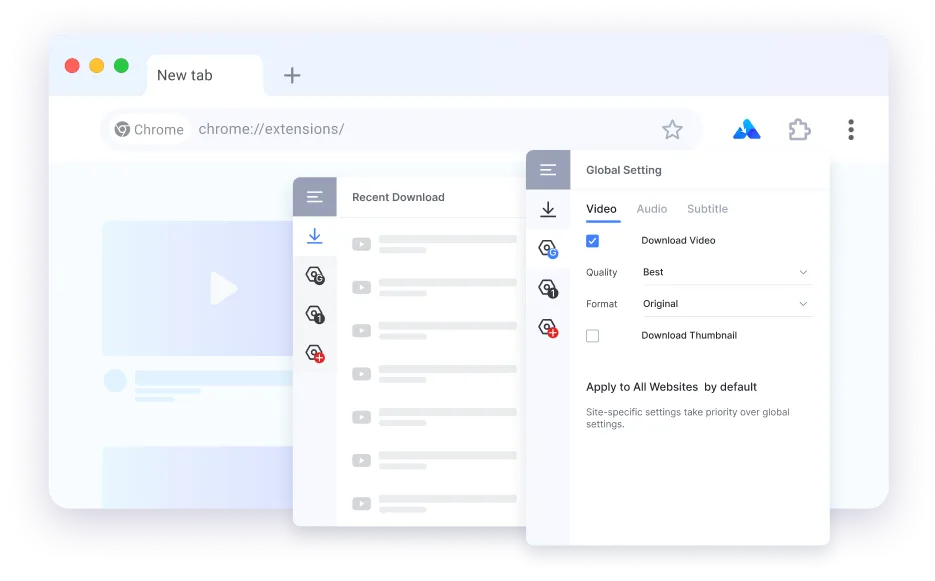
Advanced Tools for Smarter Downloads
Go beyond basic downloads. We offer advanced features for more efficient downloads.
Private Content Archiving
Download private or member-only videos from YouTube, Bilibili, and more for offline playback or archiving. As long as your account has access to the content, you can save it directly to your computer.
Automatic & Scheduled Downloads
Have a favorite playlist or channel and want to download all its files, including future uploads? Don't want to miss an upcoming live stream? Use the Tracking feature, and let SurFast Video Downloader handle it for you automatically.
Subtitle Downloads
Download original, auto-generated, or auto-translated subtitles exactly how you like. Whether you want to save videos and subtitles separately, embed subtitles as a selectable track, or permanently burn them into the video, SurFast Video Downloader has you covered.
Presets for Fast Download
Tired of choosing format and quality every time you paste a link? Set your preferred options once in Global Settings, and downloads will start immediately each time you paste a new link.
Enhanced Video Download Features
Take full control of your downloading experience with a range of advanced tools designed for both convenience and performance.
Global settings for faster downloads
A powerful feature that lets you define your preferred download options once and apply them automatically to every download task.
Smart Link Detection
With the Auto-Parse feature on, you don’t need to manually paste links anymore. Whenever the app gains focus, it automatically checks your clipboard and detects any URLs it finds.
Significant Speed Boost
You can experience significantly faster parsing and downloading performance on Mac.
Direct Search
In Private mode, simply type keywords in the search bar to find and download YouTube videos, no link pasting required.
How to Use SurFast Video Downloader
New to SurFast Video Downloader? Here’s how to start downloading online videos in seconds. You can also access the lightbulb icon to use the global settings for faster downloads.
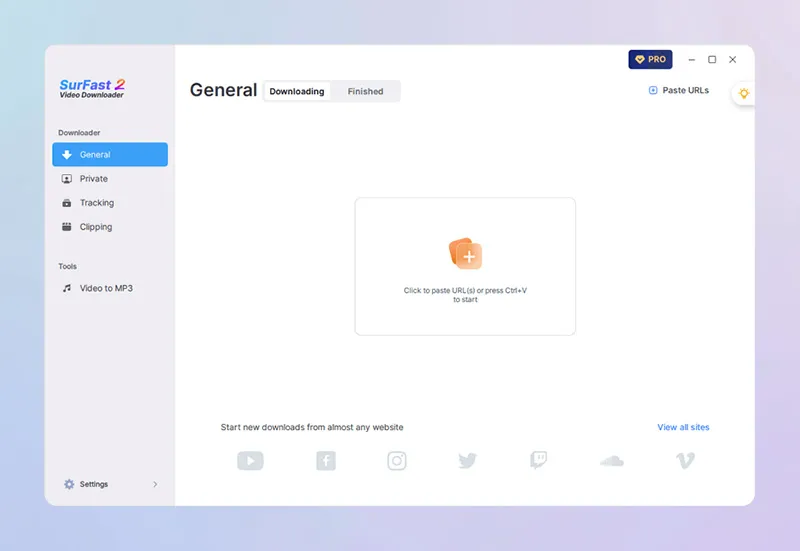
Paste the Link
Copy the video link and paste it into SurFast Video Downloader. The app will automatically parse the link and prepare the content for download.
Upgrade When You’re Ready
Compare plans and choose the perfect fit for your video download needs.
Free Trial
PRO Version
Tech Specs & Updates
Stay up to date with the latest features, improvements, and technical specifications of SurFast Video Downloader.
Windows Support
Windows 8, Windows 8.1,Windows 10, and Windows 11
macOS Support
macOS 10.15 and later
What's New
- Added support for the SurFast Video Downloader Helper browser extension
- Now supports downloading DRM-free videos from Udemy
- Can download auto-translated and auto-generated subtitles
- Automatically parses clipboard URLs when the app is in focus
What Our Users Are Saying
Join thousands of happy users who rely on SurFast every day.
"The application is extremely easy to use and makes life much easier. Both to use the tool professionally and personally. Video editors and social media users will love it!"
"The software is easy to use, clean and simple interface. It works well for downloading many videos from YouTube, you can choose from different video quality options. You can also download subtitles, embedded or separate files, a very useful option."
"This is one of the best yet after using many downloaders over the years. I had some inquiries that the team worked to resolve quickly, with great and speedy communication."
"This product is highly effective and user-friendly. Its stability and ease of use are significant time-savers. The streamlined workflow, eliminating the need for multiple tab switching, reduces download times by at least 50% compared to a previous app I was using (which was already awesome already by the way)."
Ready to Download Videos—Fast, Safely, and Your Way?
No ads, no malware, no limits. Start your free trial today and experience the fastest video downloader on the market.
Popular Video Download Tips
Frequently Asked Questions
Not sure how something works in SurFast Video Downloader? Check below for answers to the most frequently asked questions.